
Deletion Process
To delete your account, tap Settings in the primary navigation menu.
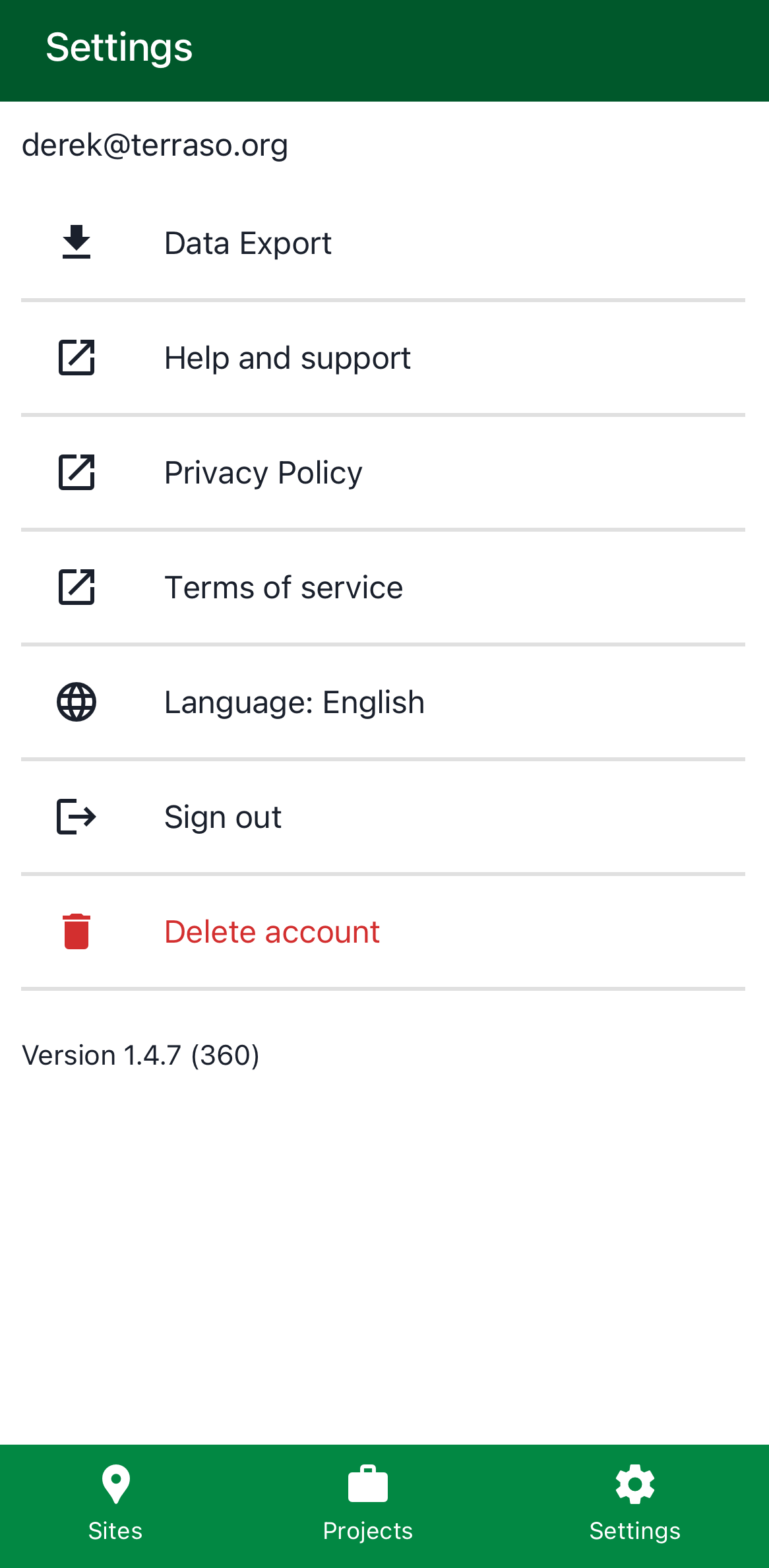
You will be asked to confirm the decision to delete. After confirmation, the Terraso account and associated data associated will be deleted. This includes:
- Your LandPKS unaffiliated sites
- Your LandPKS projects with no other managers, and their affiliated sites
- Your Terraso account (including groups, landscapes, and story maps)
The following won’t be deleted:
- LandPKS observations you entered in projects with other managers
Cancel Deletion and Recover Data
Deleting an account marks the data for permanent deletion and starts a 30 day timer on our server, during which time the user can change their mind and contact us to ask for the account to be restored.
We store a deleted account and its associated data on our server, but it is not visible to any user. Once 30 days pass, the account is permanently deleted. This means that when we examine our server, we don’t see the name or email address of the deleted user, or any of the content that once was affiliated with them.
There are some ways that user data persists after an account deletion.
- We keep a daily backup of our server that lasts two weeks, in case there is some catastrophic event that impacts our service.
- Our analytics tool records types of user activities.
- If users sign up for our newsletter, we keep track of that in a separate service.
- If users provide exported data to someone using our export process, that export persists.
If circumstances arise that require permanent deletion immediately, or if you wish to reverse your deletion request within 30 days of the request, please contact us.