
Projects allow individuals and teams to collect standardized information about multiple sites.
Creating a project
To create a new project:
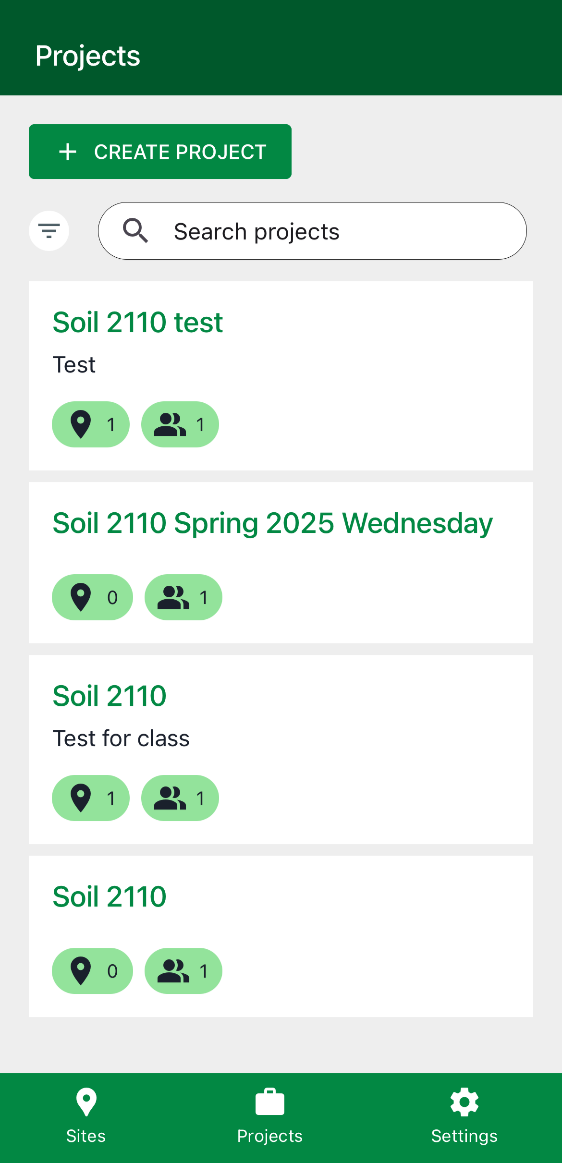
1. Navigate to the Projects screen. This screen lists all projects you currently belong to.
2. Tap Create Project.
3. Enter a project name and, optionally, a description.
4. Set the data privacy level.

Once your project is created, you can configure its settings, add sites, and invite team members.